
When installing the latest version of the Excel Add-in, you may get the following warning on Excel:

This message informs you that the Infront Functions Module, that is part of the Excel Add-in, is not enabled. To enable the Function Module, you should:
-
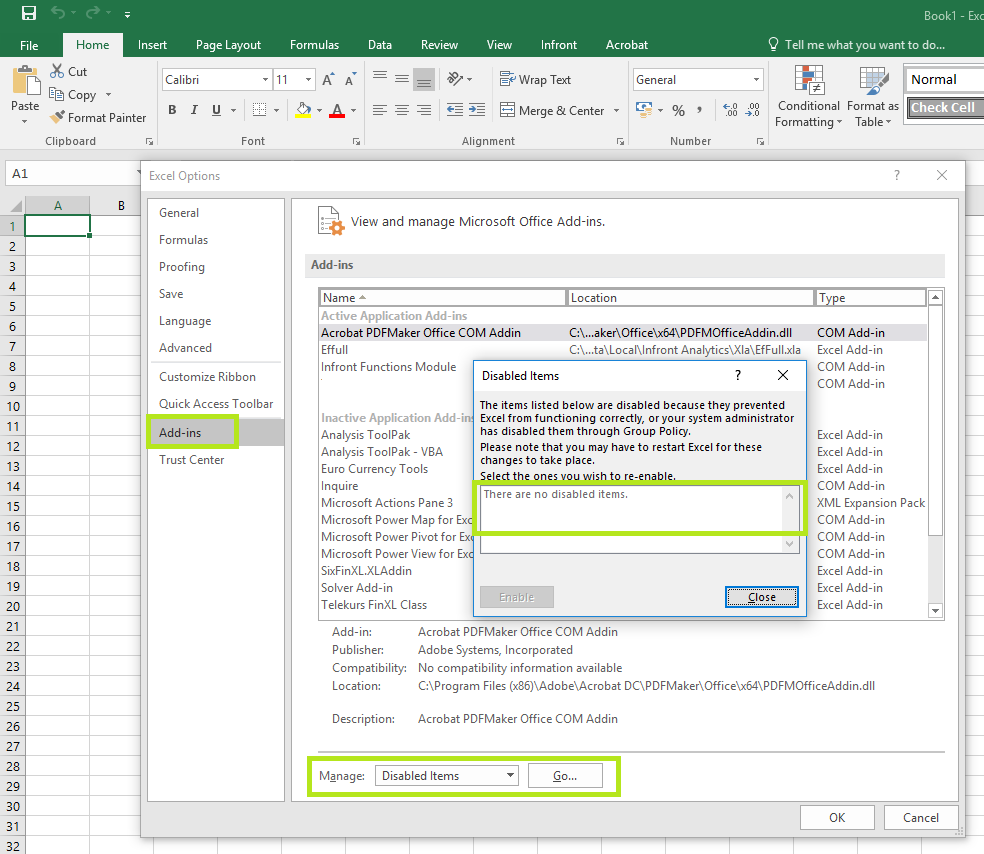
Go to File > Options, then Add-ins.
-
At the bottom of the window, in Manage, select Disabled items, then click Go.
A box opens where The Infront Functions Module appears. -
Select it and click Enable.
-
Close the window.
The function Module is now enabled.